Changelog

Follow new updates and improvements to TextWisely.

v0.2.1 – Stability & Reliability Improvements
This release focuses on improving stability and reliability for instant actions and adding more model options.

What’s new

  • Added support for the latest AI models from various providers: GPT-5.2, Claude 4.6, Gemini 3 Flash, Gemini 3.1 Pro, and more

Improvements

  • Instant actions are now more stable, even on flaky connections

Fixes

  • Slack: Fixed an issue where emojis were removed during processing

  • Notion: Fixed a problem where hidden HTML comments were being mixed into text selections

  • Fixed a bug where the Escape key was passed to the foreground app after canceling an action, causing unwanted side effects

  • Resolved a rich response formatting issue that could cause wrong action results
v0.2.0 – Rich Text, Changes Review & Chat Navigation

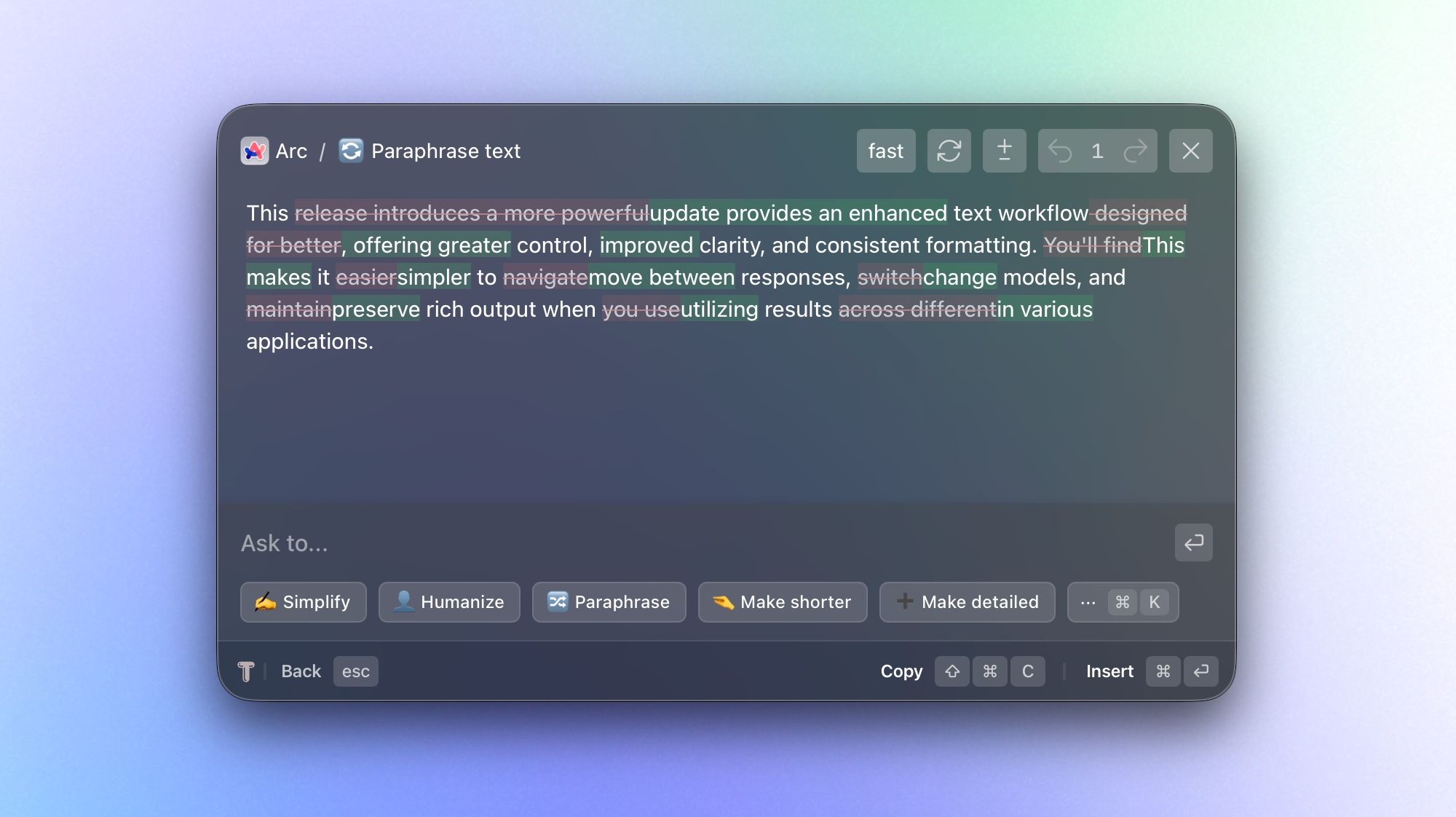
This update improves your text workflow by letting you compare changes and preserve original formatting when you use results across different apps. You'll also find it easier to navigate between responses with a focus on results, changing models, and retrying responses right within chat.

What’s new

  • Rich text formatting support – Rich text formatting is now preserved for AI responses and instant actions (including shortcut-based actions):

    • This means that generated output will keep its structure, styling, inline links, and mentions (like @Slack) instead of being flattened into plain text. This feature helps you improve text faster with copy/insert functionality across Slack, Jira, web apps, and native apps. It also lets you run instant actions on larger blocks of text at once, giving more context to those actions.

  • Highlight changes in review window – See changes within text and between multiple responses with message-to-message diffing:

    • In chat mode, you can now compare iterations to see exactly what has changed. This is especially useful when you're refining drafts or evaluating alternative outputs.

  • AI Model Selection for Chat – Choose a model before you start a chat, then switch models at any point during the conversation:

    • Start with the model that's best suited for your task and adjust as your needs change or if you're not happy with the result. This gives you more flexibility to balance speed, quality, and style within a single workflow.

  • Navigate chat in one-message-per-view mode with backward/forward navigation:

    • Instead of scanning a long, continuous thread, you can now step through responses one at a time. This makes reviewing and comparing easier, especially for longer iterations.

  • Retry/regenerate messages directly in chat:

    • If a response didn't meet your expectations, you can quickly request a fresh version without interrupting your workflow. This makes iterating faster and more natural.

Improvements

  • Faster, more responsive chat generation

  • Instant actions can be canceled with the Escape key during generation.

  • Stop chat generation at any time

  • Streaming animation for incoming messages

  • “More actions” can be toggled with ⌘K

  • Remove context with ⌫ Backspace when the prompt input is empty

  • Stability improvements during instant actions generation

v0.1.4 – Markdown Support and Fixes

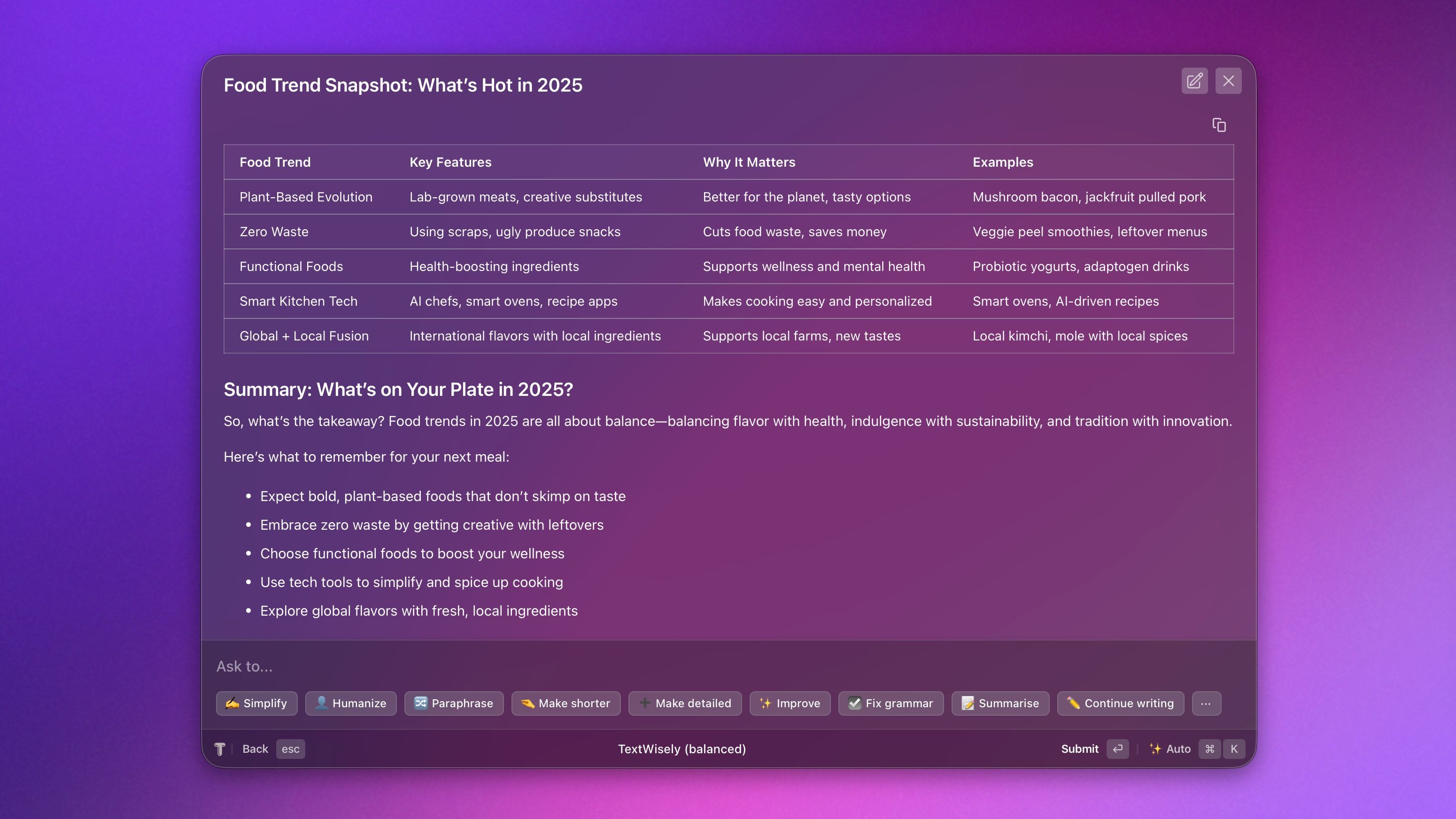
This release adds Markdown rendering in agent responses, enabling the display of tables, formatted text, headings, strikethroughs, code syntax highlighting, and Mermaid diagrams.

What's new

  • Full Markdown support in agent replies, including formatted text, tables, diagrams, and code blocks

  • When copying responses, all formatting, such as headings, tables, and bullet points, is preserved

  • New options to copy tables as CSV, as well as copying code blocks and diagrams

Fixes

  • Resolved an issue where starting a new chat would reset if the app was hidden for more than 5 minutes

Earlier updates